AI agents for every team.
Confidential by design.
Chat, calendar and meetings in one workspace, with AI agents built in.
Thursday 12 November. Jon confirmed it after the pricing review on 2 October, and the launch plan was updated the same day.
Agents in the work, not beside it
Mention an agent in a channel and it answers in the thread, with sources.
- Your Holoh. Sees only what you can see.
- Coworker agents. Shared by the team.
- Admins decide. Models, tools and access.
AI you can use on sensitive work
Your prompts and answers stay unreadable to the model provider.
- Checked first. No check, no answer.
- Walled off. Agents see only their workspace.
- Enforced by HOLOH. On the server, not the model.
Meet in a room, not a wall of tiles
Meet in a 3D room as yourself, on camera, in the browser.
- Take a seat. Walk over and join in.
- A room per channel. Same place every time.
- Draw it out. On a shared whiteboard.
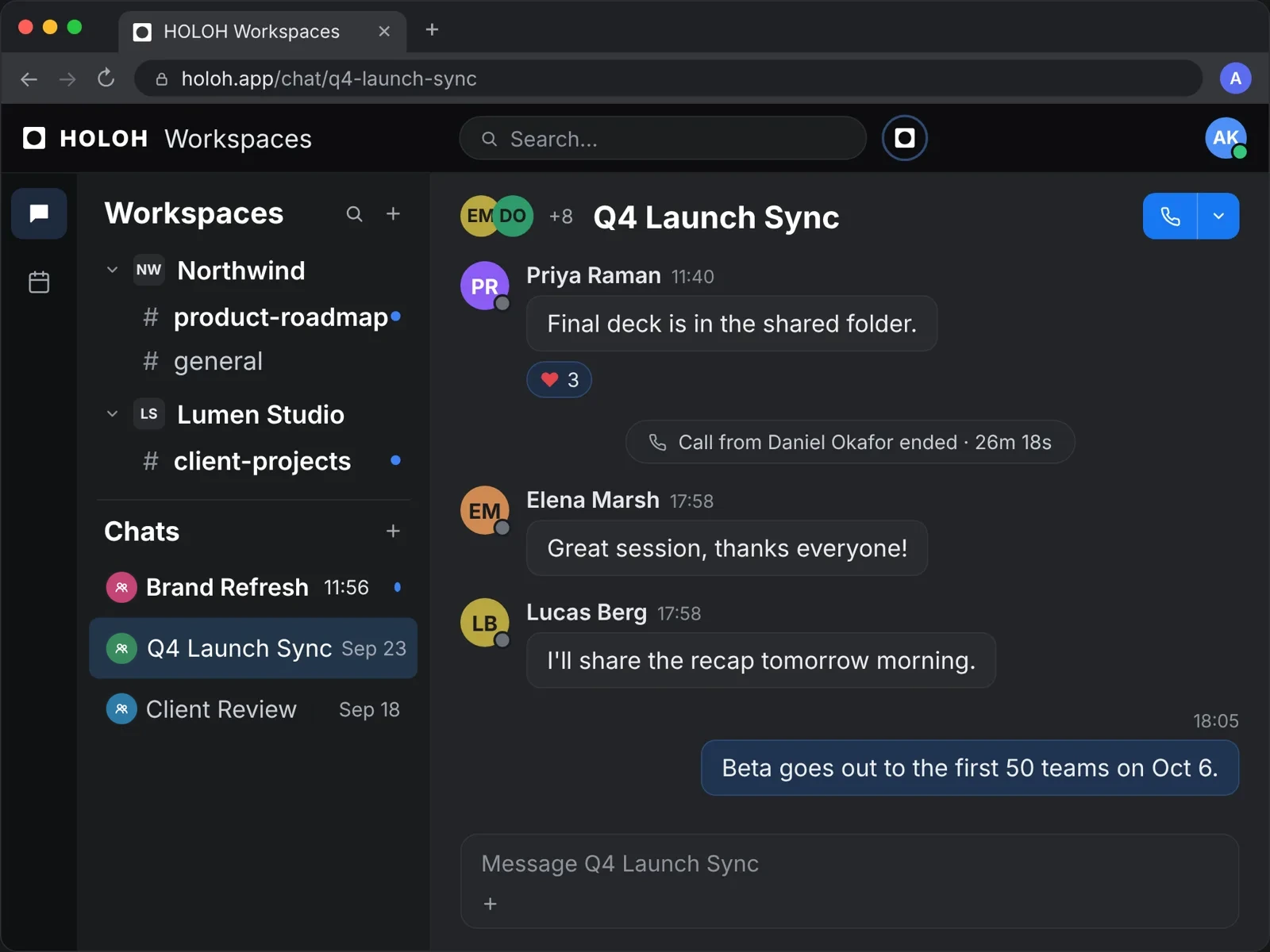
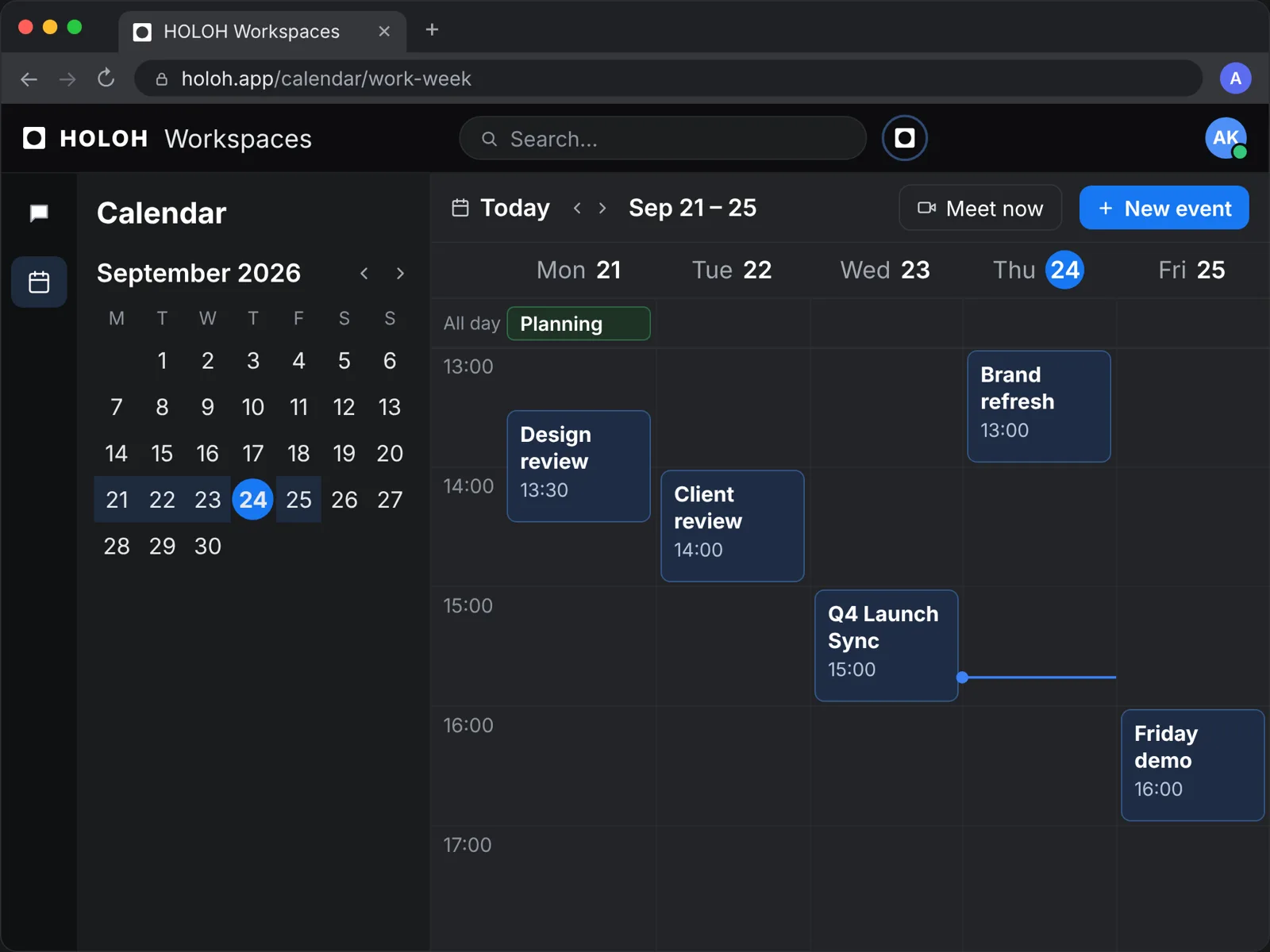
Calendar, chat and calls, connected
Channels, a shared calendar and calls, in one place.
Works alongside Microsoft Teams
HOLOH members join Teams meetings, so each team moves at its own pace.
HOLOH and Microsoft Teams →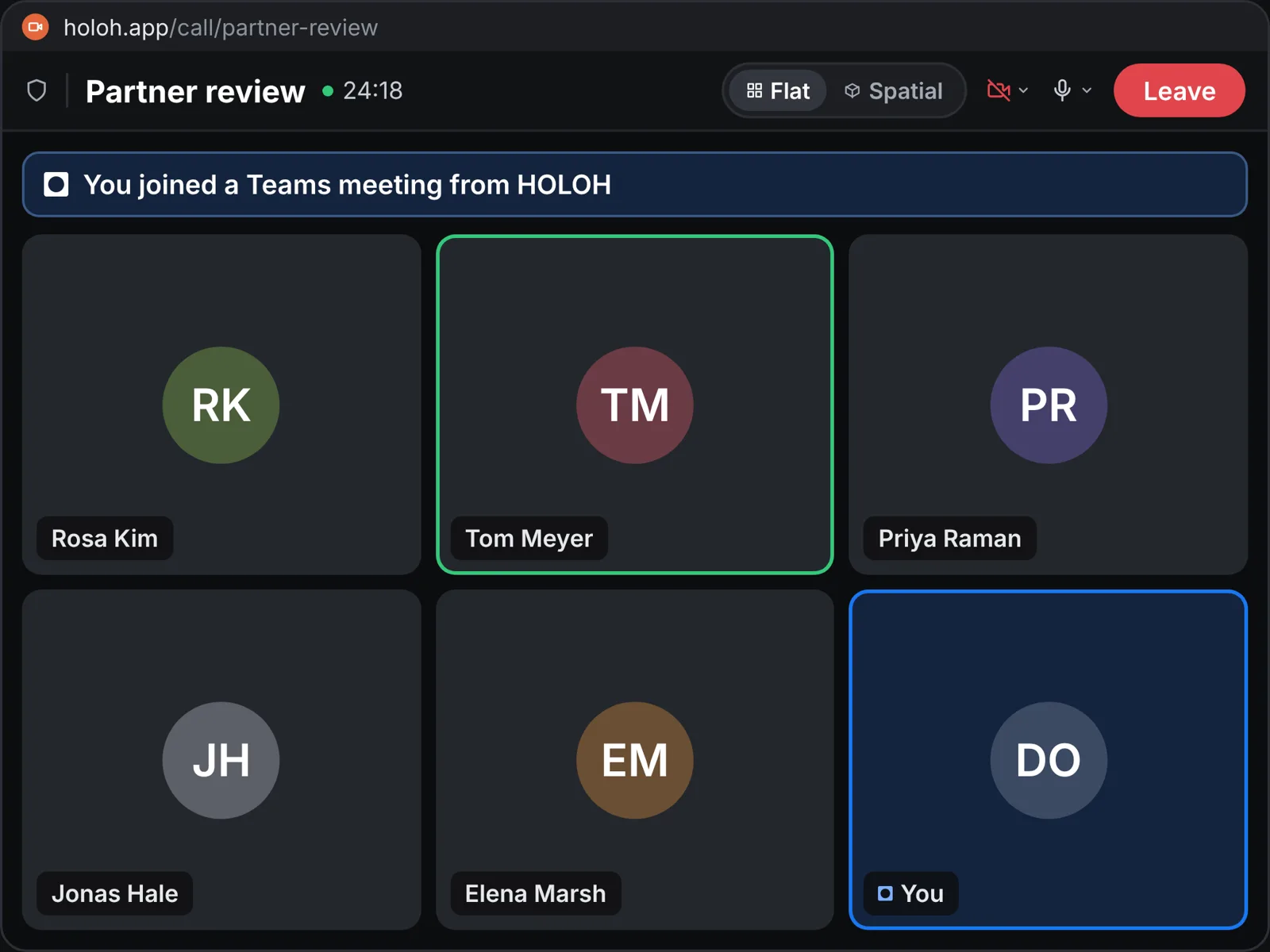
Frequently asked questions
What is confidential AI?
In a confidential workspace, what you send to an agent is encrypted before it reaches the AI model, and the model runs only on sealed hardware. Neither the model provider nor the infrastructure that runs the model can read your prompts or the answers.
Who can read what we send to an agent?
Members who can already see it in that workspace. In a confidential workspace, the model provider and the infrastructure that runs the model can't read it either.
Do we have to leave Microsoft Teams?
No. HOLOH members can join Teams meetings once your Teams administrator allows external participants, so teams can move at their own pace.
See HOLOH with your own team
Tell us about your team and we'll show you around.
Bring your team into HOLOH
Start on the Free plan. No card needed.